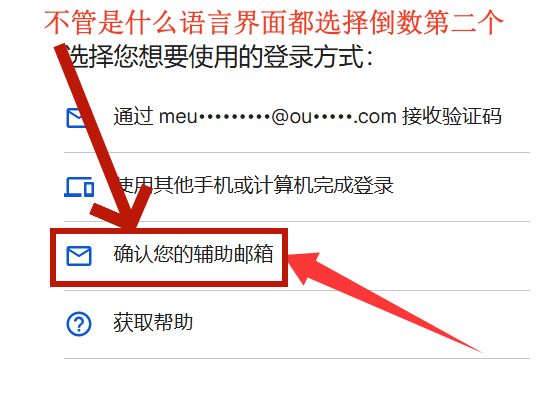
gmail谷歌邮箱辅助邮箱登录教程

1.卡密示例:[email protected]:xdfcffd:[email protected]
2.卡密示例:[email protected]|xdfcffd|[email protected]
3.卡密示例:[email protected]@outlook.com
以上示例有以:号作为间隔的,有以|号作为间隔的,有以----号作为间隔的,但是登录教程都是一样的
下面以3.卡密示例:[email protected]@yahoo.com 格式作为登录教程
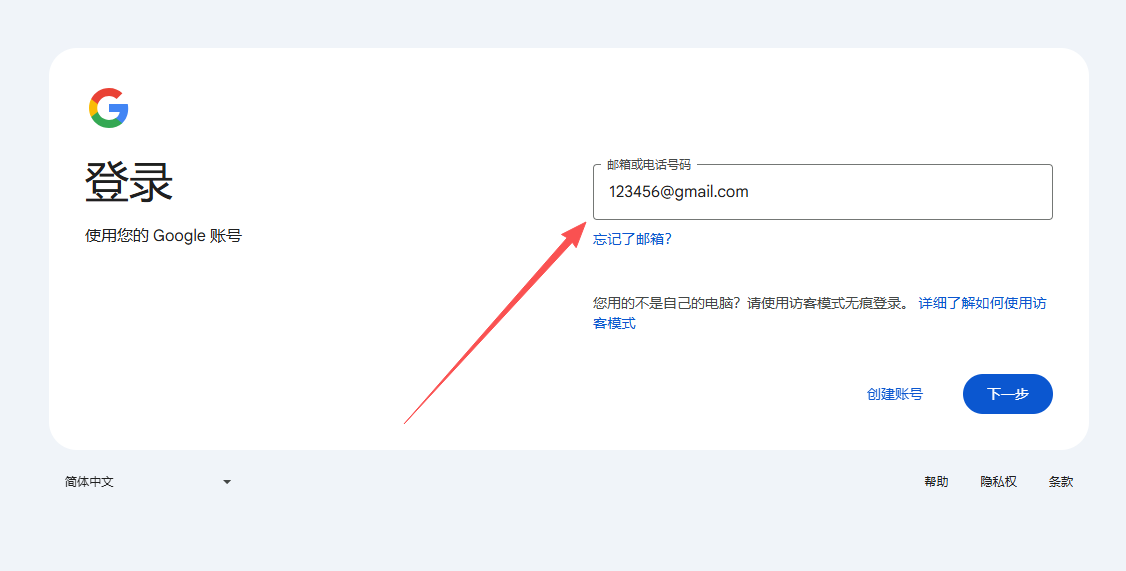
1.输入谷歌邮箱账号:[email protected]
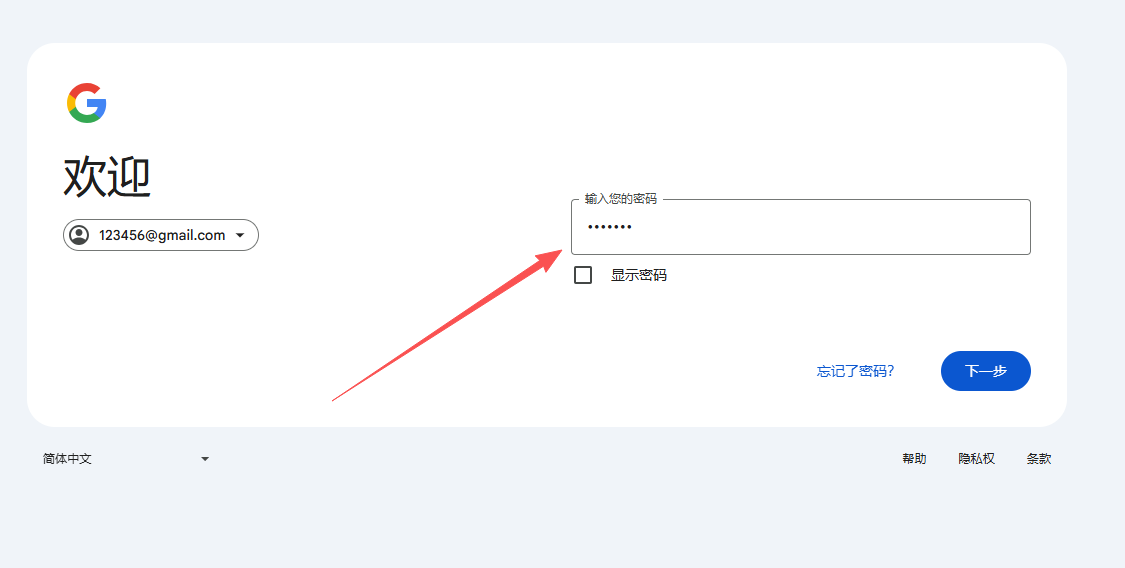
2.输入密码xdfcffd
3.选择辅助邮箱